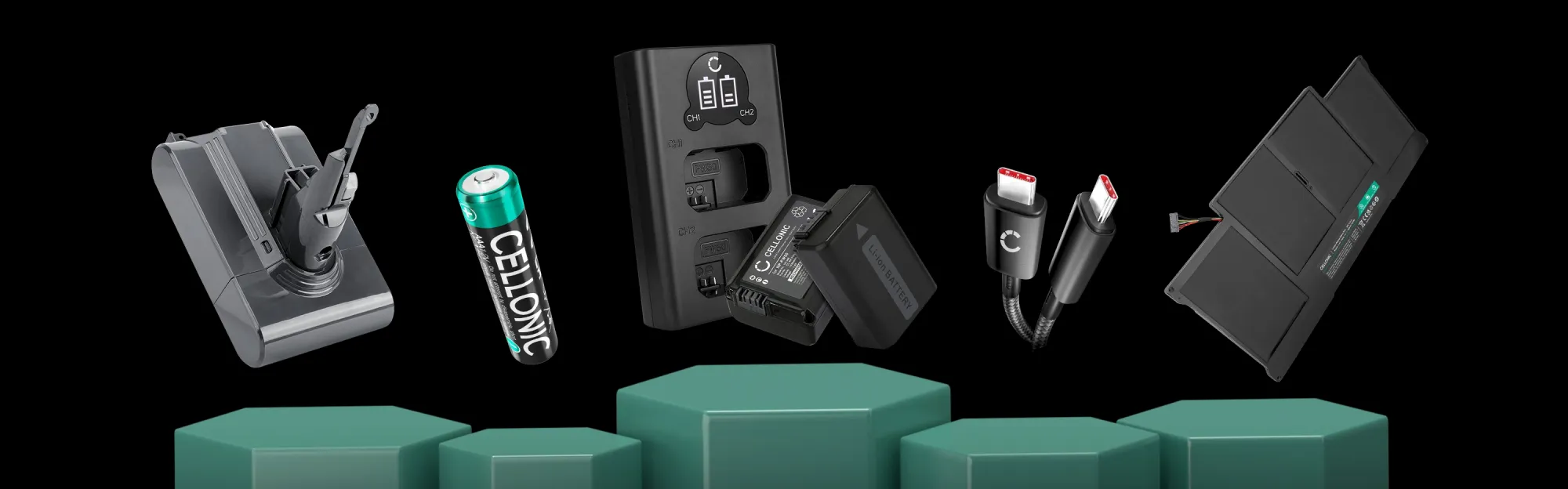
Congratulations – your device is getting a new lease of life.
Instead of buying a new one, you’ve opted for a replacement part from CELLONIC. This saves money and conserves resources. Here you’ll find everything you need for the future: how to get the most out of your product, quick help if you’re in any doubt, and the right part for your next device.
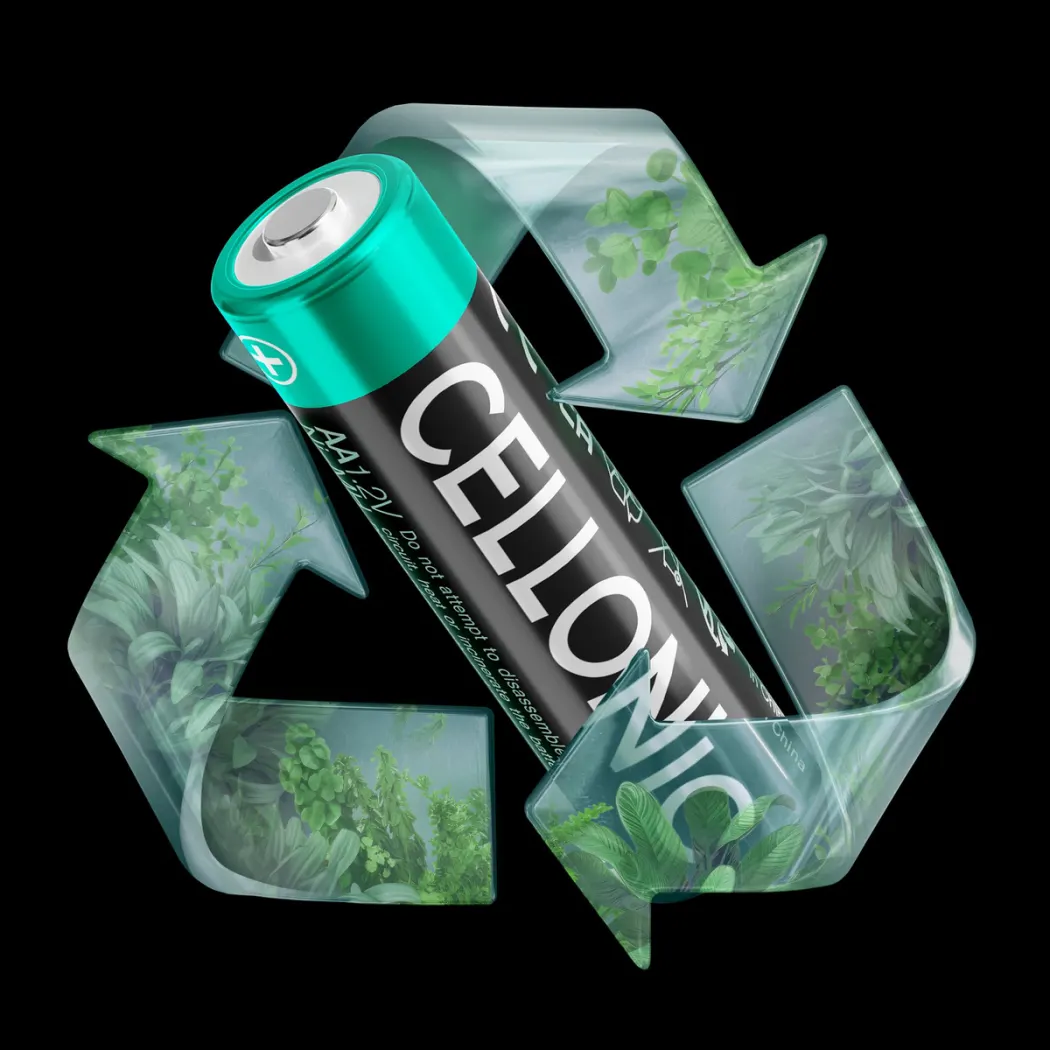
Do you need another part?
Select the device category and we’ll show you the right product: battery, charger, cable or spare part – tailored to your model.
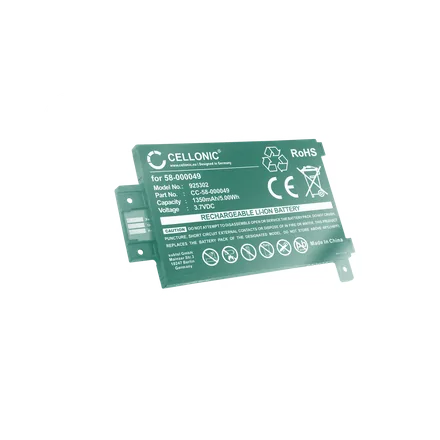
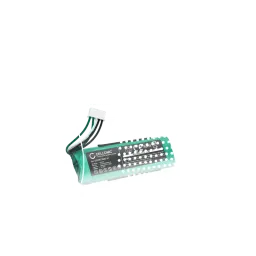
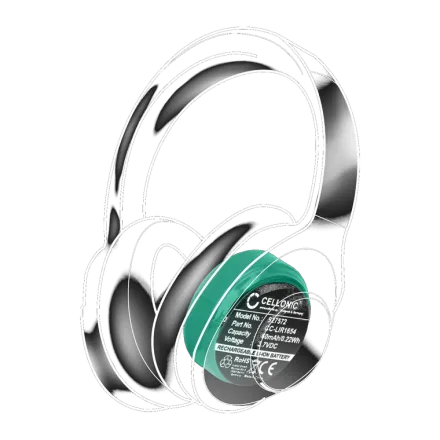
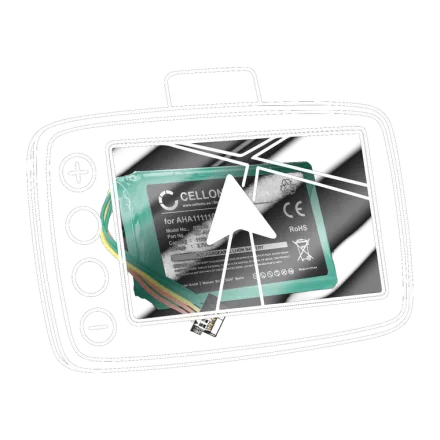
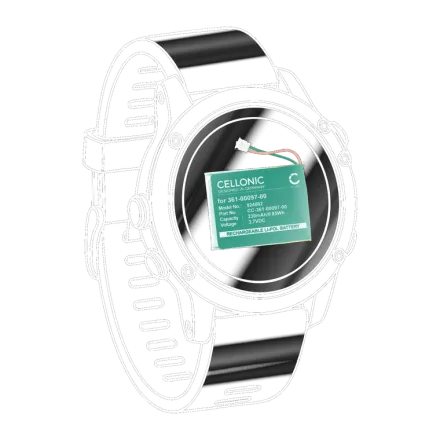



Orders can be placed with subtel, our shop.
CELLONIC is the in-house battery brand of subtel GmbH, based in Berlin. Orders, dispatch and customer service are handled via subtel.eu, with no middlemen and a 3-year warranty.
What did you buy?
Select the item you have received – we’ll show you the right tips to ensure it lasts a long time and performs at its best.
A rechargeable battery for vacuum cleaners, laptops, cameras, tools, robotic lawnmowers and more
A full charge
Charge the battery fully once before using it for the first time. There is no need for a lengthy ‘conditioning’ process with modern lithium-ion cells.
Part loads are good
Don’t let the battery run completely flat. Frequent recharging is gentler on lithium-ion batteries than constant deep discharging.
Avoid the heat
Heat is the biggest enemy. Do not charge or store the device in direct sunlight or in a hot car.
Storing correctly
Going to be away for a while? Store it half-full, in a cool, dry place – neither completely full nor completely empty.
A charger, power supply or docking station.
Tailored to your device
The voltage, current and plug are compatible with your model. When buying replacement parts, ensure they have the same specifications.
Allow heat to escape
Leave the charger in an open space, do not cover it and do not operate it on a soft surface.
Disconnect after charging
It is not necessary to leave it running continuously. Unplug the charger afterwards to save electricity.
Rechargeable batteries – AA, AAA & Co.
Charge before first use
NiMH batteries are supplied partially charged. Charging them fully once restores their full capacity.
Use in a sentence
Always charge and replace all the cells in a device at the same time – do not mix old and new ones.
Dispose of correctly
Used batteries should be placed in the collection box; never put them in the general household waste.
Cables, adaptors & connection technology.
Take care of your cables
Roll it up loosely rather than winding it tightly around appliances – that keeps the wires in good condition for longer.
Keep your contacts tidy
Keep plugs and contacts dry and free from dust to ensure a secure connection.
Check the fit
Check that the plug type and standard match the appliance, and it’ll fit.
Filters, lids, battery handles & camera chargers.
Check the fit
Accessories such as filters, lids or handles are model-specific.
Charging batteries in a set
With the dual charger, you can charge two batteries at the same time.
Store in a dry place
Protects contacts and the display from moisture.
Is something not working?
- Not loadingCheck that the contacts are clean and that everything is properly connected. Try a different socket or a different cable.
- The device does not recognise the itemSome devices need to be restarted or given their first full charge after the change before they display the new item correctly.
- Seems to run out quicklyThe charge indicator is often inaccurate the very first time you use it. It stabilises after one or two full charge cycles.
Still not working?
We’ll replace the item hassle-free within the 3-year warranty period. Just send us a quick message telling us which product and which device, and we’ll take care of it.
Contact SupportDo you need anything else?
The right charger, a spare battery or accessories for your device – you’ll find it all in the shop.